Describe everyday use.
Who enters, how often and with which routines? A family, an office and a place with shared access have different needs. The choice between smartphone, code, fingerprint or physical credential begins with these people. Every method is not necessarily needed: it helps to define those that make the entrance straightforward for its users.
Distinguish access from management.
Opening a door and administering users are different activities. Establish who may assign or revoke credentials, whether temporary permissions are needed and how changes are managed. For each system, ask which functions belong to the lock and which require an additional device, app or service.
Check the integration.
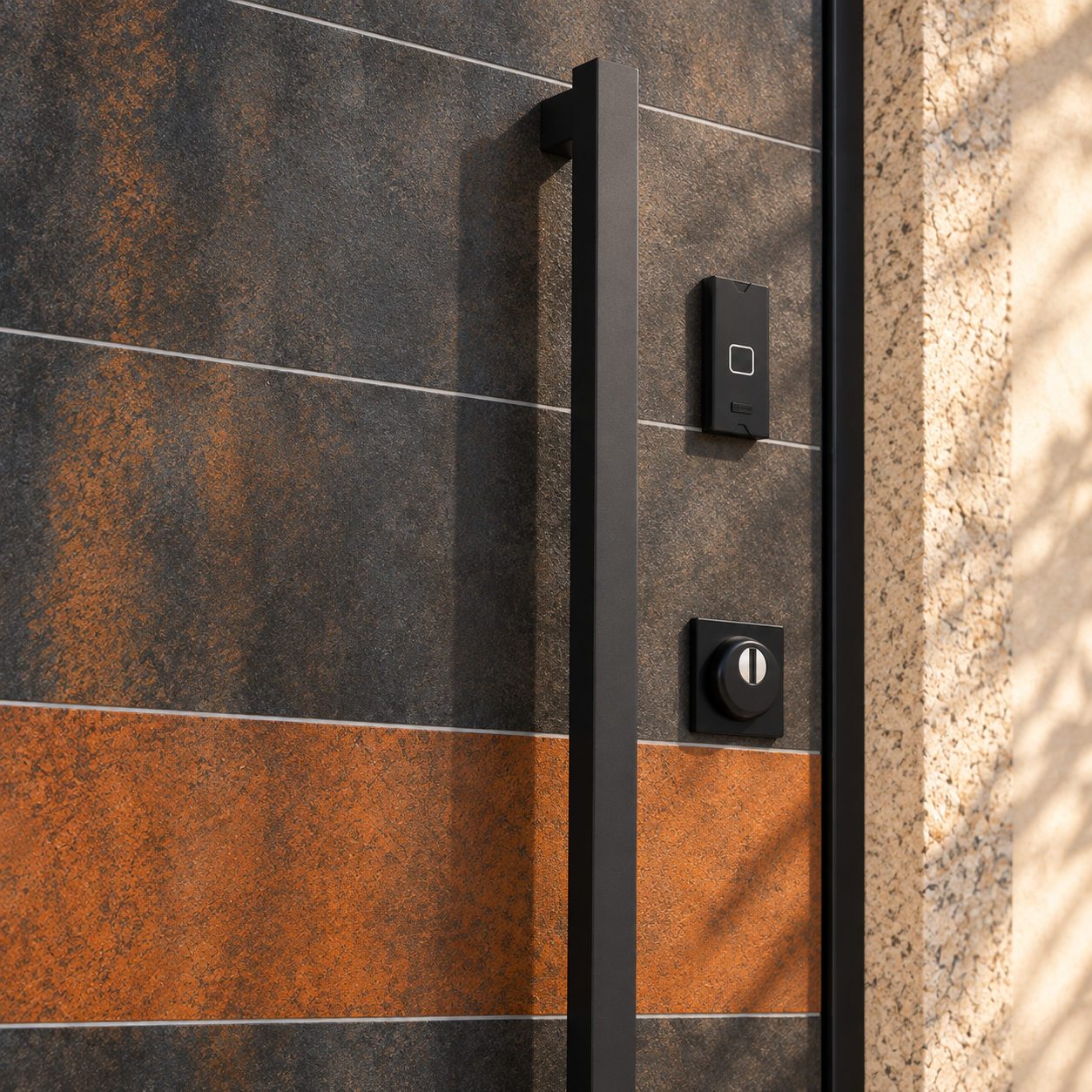
The electronic lock must be compatible with the door, hardware and selected devices. The Smart Solution page introduces Mottura bNOVA and ISEO X1R Smart; the actual configuration is assessed for the project. If the door is already installed, share its model and photographs with the technician before considering a conversion.
Agree on power and continued operation.
Ask how the system is powered, how it indicates a need for maintenance and which procedures to follow if a problem occurs. Remote operation and nearby access may require different configurations: do not assume they are the same function. At handover, try the agreed methods and keep the manufacturer’s instructions.
For your consultation.
- Users and opening methods identified.
- Administrator and credential management defined.
- Compatibility with the door and hardware checked.
- Additional devices and services described.
- Power supply and emergency procedures agreed.